


Meet, evolved.
Video meetings that work as hard as you do.
From everyday team calls to larger meetings and presentations, Sangoma Meet brings HD video, interactive collaboration, and advanced tools, all bundled into your Sangoma UCaaS experience.

Better meetings, from start to finish
Everything you need to connect, collaborate, and keep work moving.

Meet without the hassle
Join from your browser or through TeamHub on desktop and mobile. No additional meeting platform to manage.

Make every meeting count
Turn conversations into collaboration, with more ways to share ideas, engage participants, and work together.

Keep the conversation going
Capture important discussions and revisit what matters, even after the meeting ends.
Explore what Sangoma Meet can do
From sharing ideas to capturing conversations, discover the tools that make meetings more productive.
Bring your ideas into the conversation.
Share content, exchange ideas, and work together in real time.
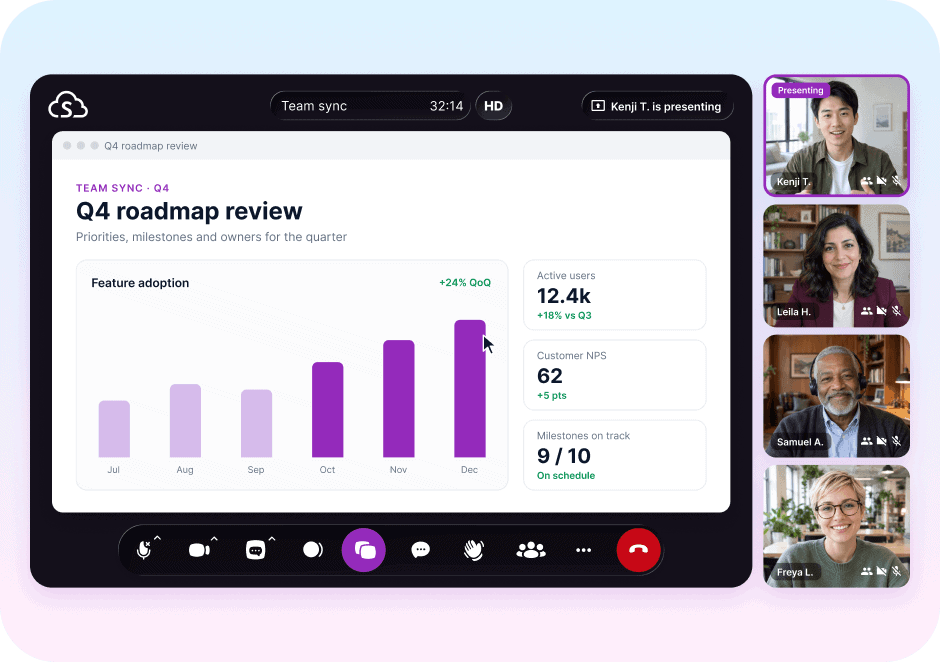
Screen sharing: Present documents, applications, or your entire screen.
Interactive whiteboard: Sketch ideas and brainstorm together.
In-meeting chat: Share messages without interrupting the conversation.
Make room for everyone’s input.
Keep participants involved, whether you’re meeting with a small team or a larger group.
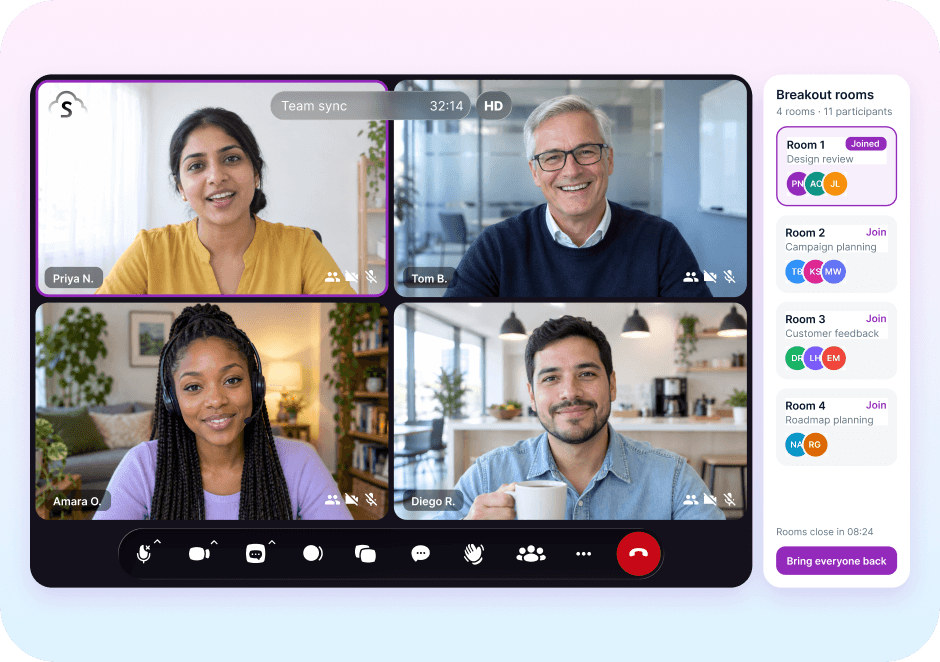
Breakout rooms: Split participants into smaller groups, then bring everyone back.
Live polling: Gather feedback and encourage participation.
Meeting controls: Manage participants and keep meetings running smoothly.
Keep the important parts of every meeting.
Spend less time taking notes and make it easier to revisit discussions.
Cloud recording: Record meetings and share them with a link.
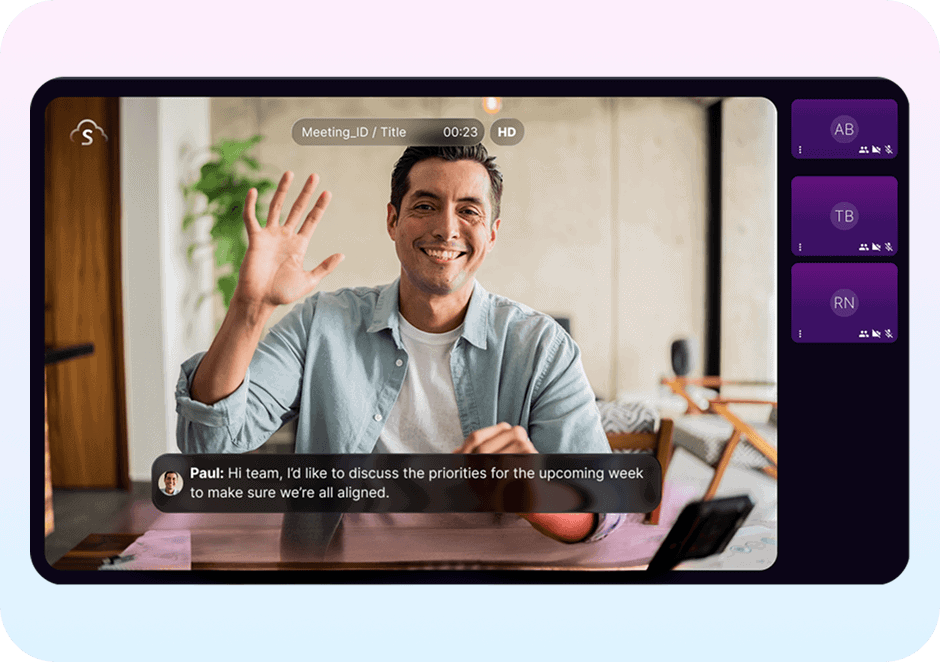
Transcripts: Access meeting transcripts by email or link.Simple playback and sharing options.
Meeting summaries: Revisit important discussions after the call.
Bring everyone together, wherever they work.
Make joining and participating easy, whether attendees are in the office or on the move.
HD audio and video: Connect with clear audio and video.
Flexible access: Join from a browser or through TeamHub on desktop and mobile.
Dial-in access: Let participants join meetings by phone.
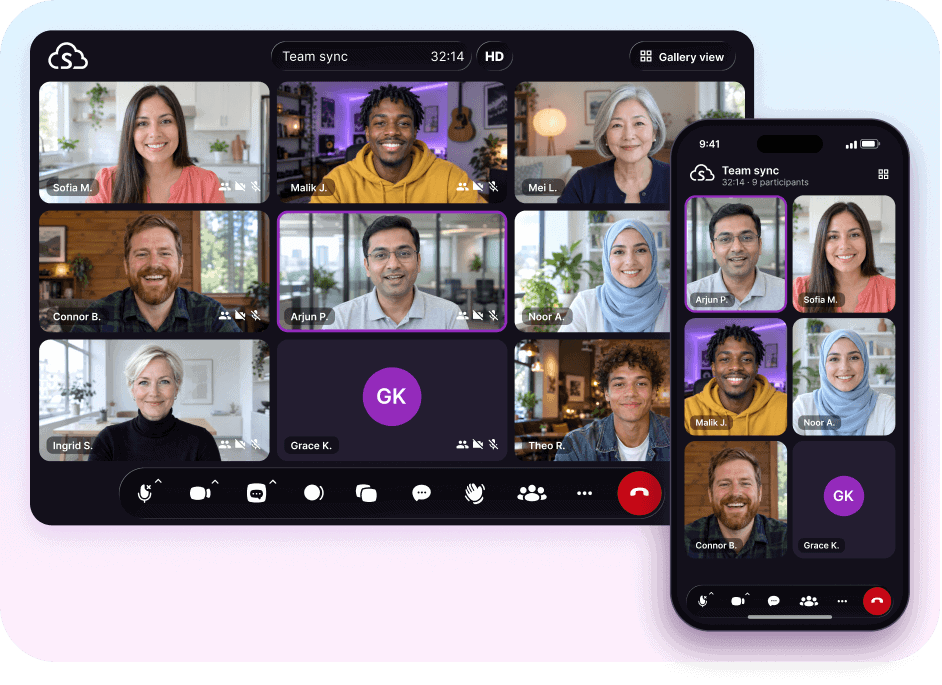
Features and meeting capacity vary by Sangoma UCaaS service plan.
Your meetings, right where you work
Built into your Sangoma UCaaS user experience.
Sangoma Meet works alongside the UCaaS tools you already use, making video collaboration a natural part of your workday. Access meetings directly from TeamHub or at meetings.sangoma.com, and sync with Office 365 and Google Calendar to simplify scheduling.

Frequently asked questions
What is Sangoma Meet?
Sangoma Meet is a video conferencing and collaboration platform available with Sangoma UCaaS services. It brings together HD video, screen sharing, chat, whiteboarding, and advanced features such as cloud recording, transcripts, breakout rooms, and polling.
What Sangoma UCaaS platforms include Sangoma Meet?
Sangoma Meet is included in Business Voice/BV+, CommUnity and Switchvox Prem/Cloud. Sangoma Meet Core is included with all platforms; Meet Pro is available for BV/BV/CY as an add-on for Standard seats; included in Premium seats.
Do I need to download software to join a meeting?
No. You can join directly from a supported web browser using a meeting link, without installing additional software.
Can guests join without a Sangoma account?
Yes. Guests can join meetings using a shared link without creating a Sangoma account.
How do I access Sangoma Meet?
Sign in at meetings.sangoma.com or open Meet through TeamHub on the web, desktop, or mobile.
How many people can join a Sangoma Meet meeting?
Sangoma Meet supports up to 250 participants, depending on your UCaaS service and plan.
Does Sangoma Meet integrate with my calendar?
Yes. Sangoma Meet syncs with Office 365 and Google Calendar to make scheduling meetings easier.